

Your first analog input: a knob that gives any value from 0 to 1023.
पहला एनालॉग इनपुट: एक नॉब जो 0 से 1023 तक कोई भी वैल्यू देता है।
🎯 What are we building?
We connect a potentiometer, the knob you find on radios, and read its value on the computer screen. Unlike a button that is either on or off, the knob has many levels.
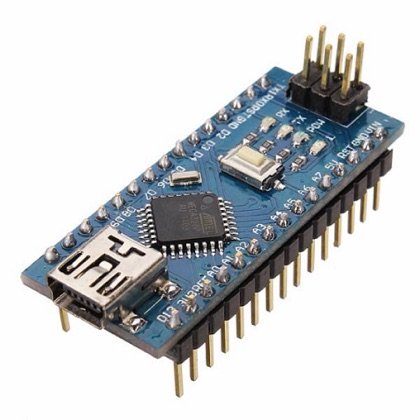 Arduino Nano
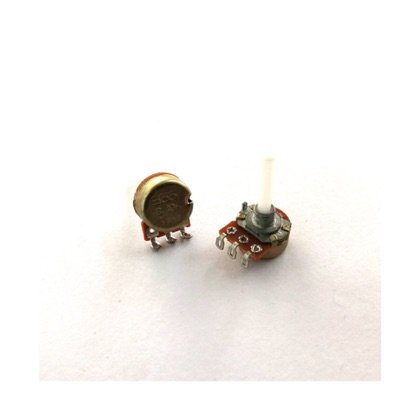 Potentiometer
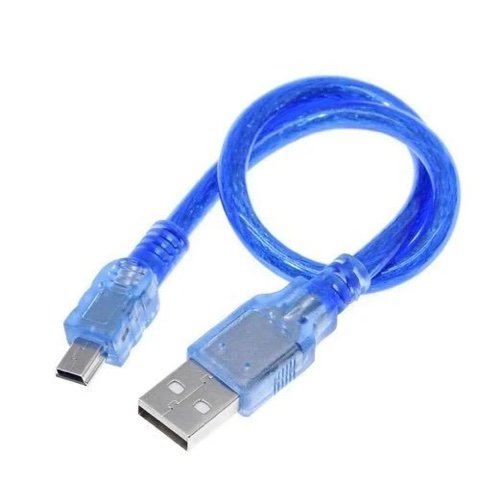 USB Cable
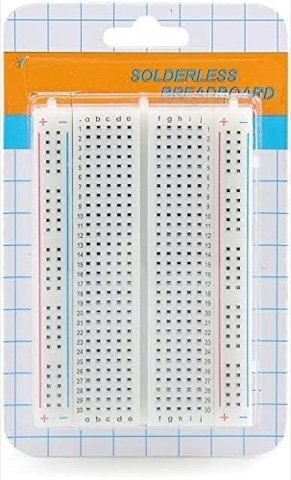 Breadboard
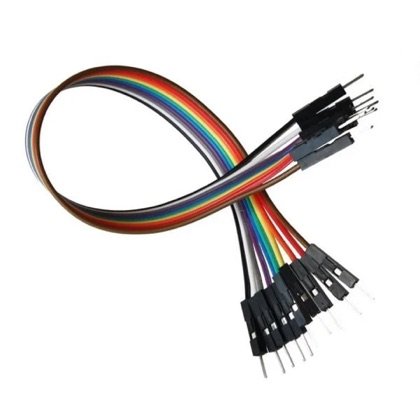 Wires
Wires🔌 Circuit diagram
Pin numbers follow the Kod2Kids books. You can use other pins, just change the same numbers in the code.
🎮 Play with this experiment⚙️ How does it work?
A potentiometer is a resistor whose value changes as you turn it. The Nano measures the changing voltage and turns it into a number between 0 and 1023. This is called analog reading.
🌍 Where is this used in real life?
- Volume knobs on speakers and radios.
- Car accelerator pedals measure how far you press.
- Light dimmers and fan regulators at home.
💡 What could YOU invent with it?
Create a “wheelchair speed knob” or a “gentle volume control” with big, easy-to-turn knobs. It could help children and elders with weak hands control machines smoothly.
🧪 Try this!
Turn the knob fully left, middle and fully right. What numbers do you see? Write them down.
🎯 हम क्या बना रहे हैं?
हम पोटेंशियोमीटर, यानी रेडियो वाला नॉब, जोड़कर उसकी वैल्यू कंप्यूटर स्क्रीन पर पढ़ते हैं। बटन सिर्फ ON या OFF होता है, पर नॉब के कई स्तर होते हैं।
अरुडिनो नैनोपोटेंशियोमीटरयूएसबी केबलब्रेडबोर्डतार🔌 सर्किट डायग्राम
पिन नंबर Kod2Kids की किताबों के हिसाब से हैं। आप दूसरे पिन भी लगा सकते हो, बस कोड में वही नंबर बदल दो।
🎮 इस एक्सपेरिमेंट के साथ खेलो⚙️ ये कैसे काम करता है?
पोटेंशियोमीटर ऐसा रेसिस्टर है जिसका मान घुमाने पर बदलता है। नैनो बदलते वोल्टेज को नापकर 0 से 1023 के बीच के नंबर में बदल देता है। इसे एनालॉग रीडिंग कहते हैं।
🌍 असली ज़िंदगी में ये कहाँ काम आता है?
- स्पीकर और रेडियो के वॉल्यूम नॉब।
- कार का एक्सीलरेटर पेडल नापता है कि आपने कितना दबाया।
- घर के लाइट डिमर और फैन रेगुलेटर।
💡 इससे आप क्या नया बना सकते हो?
“व्हीलचेयर स्पीड नॉब” या बड़े और आसानी से घूमने वाले नॉब वाला “नरम वॉल्यूम कंट्रोल” बनाओ। कमज़ोर हाथों वाले बच्चे और बुज़ुर्ग मशीनों को आराम से चला सकेंगे।
🧪 खुद करके देखो!
नॉब को पूरा बाएँ, बीच में और पूरा दाएँ घुमाओ। कौन से नंबर दिखते हैं? लिखो।
अरुडिनो नैनो कोडिंग और इलेक्ट्रॉनिक्स किट
Get the kit / किट खरीदें →
