
Turn the knob to change how the buzzer sounds. You are playing an instrument!
नॉब घुमाओ और बज़र की आवाज़ बदलो। आप साज़ बजा रहे हो!
🎯 What are we building?
We connect the knob to the buzzer so that turning it changes the beeping speed or the sound. It is like a very simple electronic instrument.
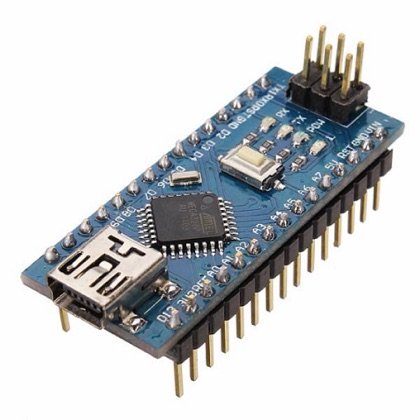 Arduino Nano
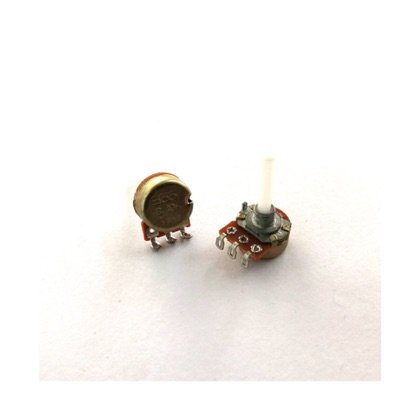 Potentiometer
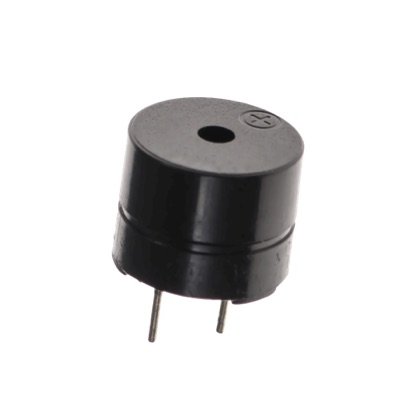 Buzzer
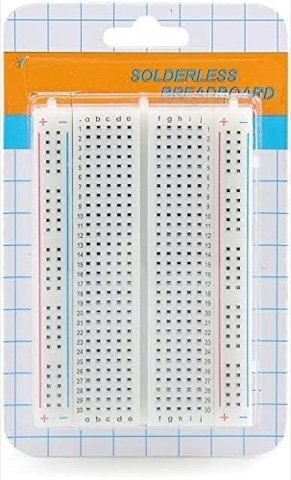 Breadboard
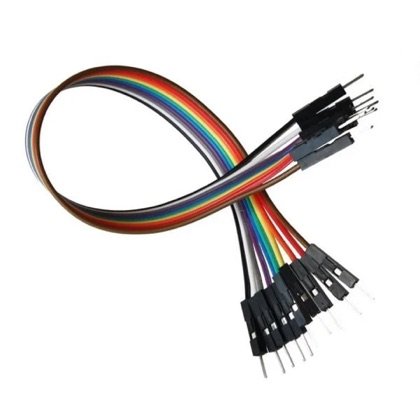 Wires
Wires🔌 Circuit diagram
Pin numbers follow the Kod2Kids books. You can use other pins, just change the same numbers in the code.
🎮 Play with this experiment⚙️ How does it work?
The knob value is turned into a delay or a tone. A faster beep feels excited, a slower beep feels calm. Many synthesizers and theremins work by changing sound with a control.
🌍 Where is this used in real life?
- Electronic keyboards change pitch and volume with sliders and knobs.
- Parking sensors beep faster as you get closer to a wall.
- Metal detectors beep louder or faster near metal.
💡 What could YOU invent with it?
Invent a “music toy for babies” with a big soft knob that makes different sounds. It could help young children learn about sound and rhythm in a fun way.
🧪 Try this!
Make three zones on the knob: low = slow beeps, middle = medium, high = fast. Play a tune with it!
🎯 हम क्या बना रहे हैं?
हम नॉब को बज़र से जोड़ते हैं ताकि घुमाने पर बीप की रफ़्तार या आवाज़ बदले। ये एक बहुत सरल इलेक्ट्रॉनिक साज़ जैसा है।
अरुडिनो नैनोपोटेंशियोमीटरबज़रब्रेडबोर्डतार🔌 सर्किट डायग्राम
पिन नंबर Kod2Kids की किताबों के हिसाब से हैं। आप दूसरे पिन भी लगा सकते हो, बस कोड में वही नंबर बदल दो।
🎮 इस एक्सपेरिमेंट के साथ खेलो⚙️ ये कैसे काम करता है?
नॉब की वैल्यू को delay या सुर में बदला जाता है। तेज़ बीप उत्साह जैसी लगती है, धीमी बीप शांत। कई सिंथेसाइज़र और थेरेमिन किसी कंट्रोल से आवाज़ बदलकर ही चलते हैं।
🌍 असली ज़िंदगी में ये कहाँ काम आता है?
- इलेक्ट्रॉनिक कीबोर्ड स्लाइडर और नॉब से सुर और आवाज़ बदलते हैं।
- पार्किंग सेंसर दीवार के पास आने पर तेज़ बीप करते हैं।
- मेटल डिटेक्टर धातु के पास तेज़ या ज़ोर से बीप करते हैं।
💡 इससे आप क्या नया बना सकते हो?
बच्चों के लिए बड़े नरम नॉब वाला “संगीत खिलौना” बनाओ जो अलग-अलग आवाज़ें निकाले। इससे छोटे बच्चे मज़े से आवाज़ और लय के बारे में सीखेंगे।
🧪 खुद करके देखो!
नॉब के तीन हिस्से बनाओ: कम = धीमी बीप, बीच = मध्यम, ज़्यादा = तेज़। इससे एक धुन बजाओ!
अरुडिनो नैनो कोडिंग और इलेक्ट्रॉनिक्स किट
Get the kit / किट खरीदें →
