
Turn the knob to make the light blink slow like a turtle or fast like a rabbit.
नॉब घुमाओ और बत्ती को कछुए सी धीमी या ख़रगोश सी तेज़ टिमटिमाओ।
🎯 What are we building?
Now the knob does not change brightness but speed. We read the knob and use its number as the delay in the blink program.
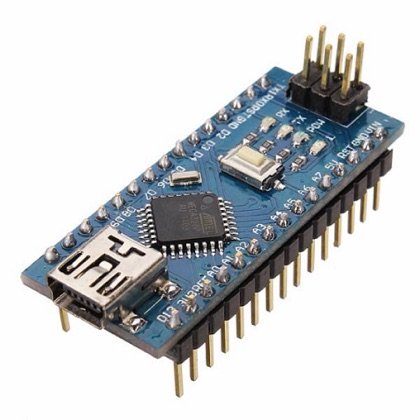 Arduino Nano
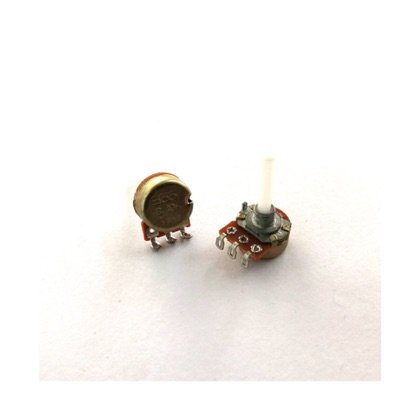 Potentiometer
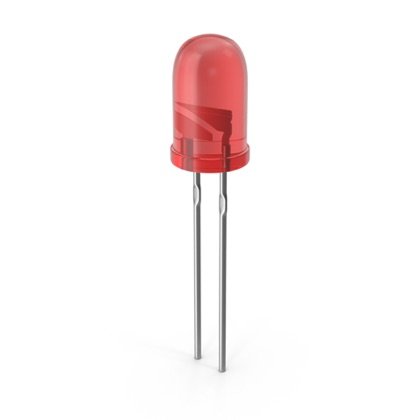 LED
LED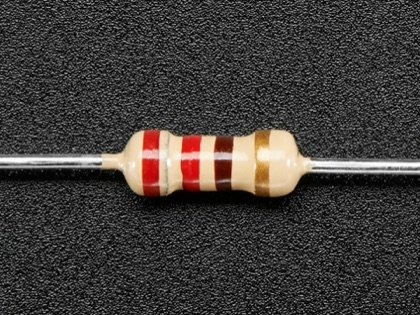 Resistor
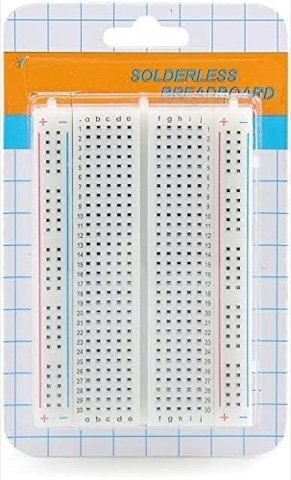 Breadboard
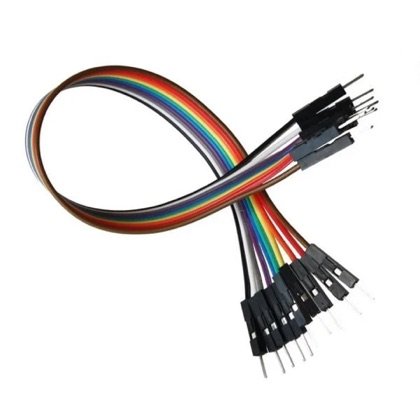 Wires
Wires🔌 Circuit diagram
Pin numbers follow the Kod2Kids books. You can use other pins, just change the same numbers in the code.
🎮 Play with this experiment⚙️ How does it work?
The program reads the potentiometer, then uses that value to decide how long to wait. A big number means a long wait and slow blinking; a small number means fast blinking. The same input can control different things depending on your code.
🌍 Where is this used in real life?
- Speed controls on fans, mixers and drills.
- Metronomes that keep a beat for musicians.
- Windscreen wipers with speed settings.
💡 What could YOU invent with it?
Build a “music-practice light” that blinks to a beat you set with the knob. It could help music students learn rhythm, or children learn to clap in time.
🧪 Try this!
Can you set the knob so the light blinks exactly once per second? Use a watch to check.
🎯 हम क्या बना रहे हैं?
अब नॉब चमक नहीं बल्कि रफ़्तार बदलता है। हम नॉब पढ़ते हैं और उसके नंबर को ब्लिंक प्रोग्राम के delay की तरह इस्तेमाल करते हैं।
अरुडिनो नैनोपोटेंशियोमीटरएलईडीरेसिस्टरब्रेडबोर्डतार🔌 सर्किट डायग्राम
पिन नंबर Kod2Kids की किताबों के हिसाब से हैं। आप दूसरे पिन भी लगा सकते हो, बस कोड में वही नंबर बदल दो।
🎮 इस एक्सपेरिमेंट के साथ खेलो⚙️ ये कैसे काम करता है?
प्रोग्राम पोटेंशियोमीटर पढ़ता है और उसी वैल्यू से तय करता है कि कितना रुकना है। बड़ा नंबर मतलब लंबा इंतज़ार और धीमा ब्लिंक; छोटा नंबर मतलब तेज़ ब्लिंक। वही इनपुट आपके कोड के हिसाब से अलग-अलग चीज़ें चला सकता है।
🌍 असली ज़िंदगी में ये कहाँ काम आता है?
- पंखे, मिक्सर और ड्रिल पर स्पीड कंट्रोल।
- मेट्रोनोम जो संगीतकारों के लिए ताल बनाए रखता है।
- विंडस्क्रीन वाइपर में स्पीड सेटिंग।
💡 इससे आप क्या नया बना सकते हो?
ऐसी “संगीत अभ्यास लाइट” बनाओ जो आपके नॉब से तय की ताल पर टिमटिमाए। इससे संगीत के विद्यार्थी लय सीख सकते हैं और बच्चे ताली बजाना सीख सकते हैं।
🧪 खुद करके देखो!
क्या नॉब को ऐसा सेट कर सकते हो कि बत्ती हर सेकंड ठीक एक बार टिमटिमाए? घड़ी से जाँचो।
अरुडिनो नैनो कोडिंग और इलेक्ट्रॉनिक्स किट
Get the kit / किट खरीदें →
