
Each press of the button starts a new light pattern.
हर बार बटन दबाने पर नया लाइट पैटर्न शुरू होता है।
🎯 What are we building?
We combine a button with several LEDs. Each press moves to the next pattern: running lights, blinking all, alternate and so on.
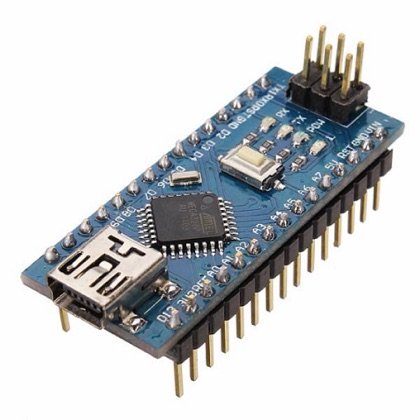 Arduino Nano
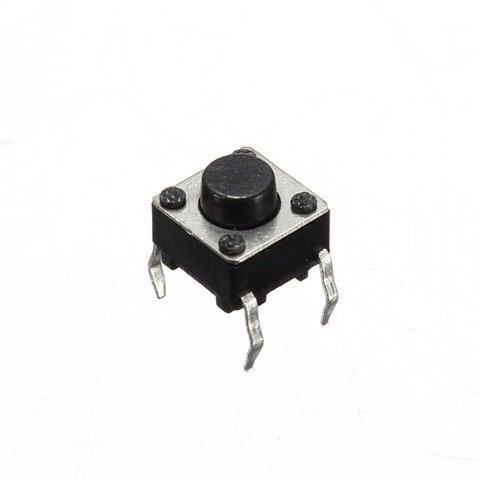 Push Button
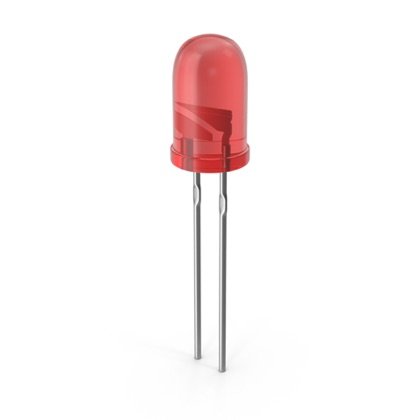 LED
LED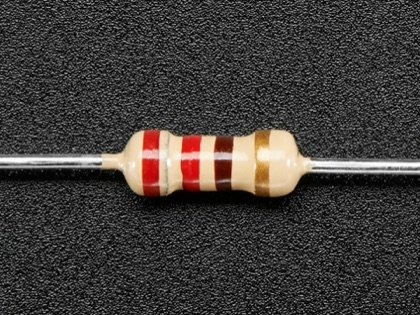 Resistor
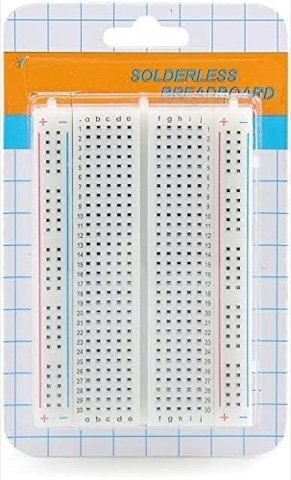 Breadboard
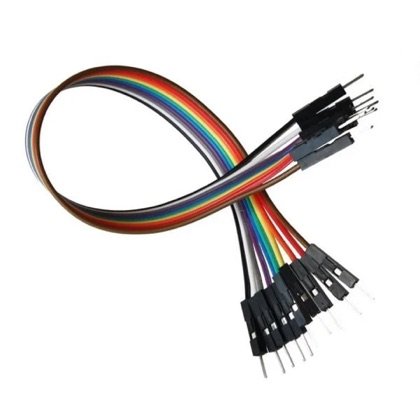 Wires
Wires🔌 Circuit diagram
Pin numbers follow the Kod2Kids books. You can use other pins, just change the same numbers in the code.
🎮 Play with this experiment⚙️ How does it work?
A counter in the program goes up by one on each press. The code then picks the pattern that matches the counter. When the counter reaches the last pattern it starts again from the first.
🌍 Where is this used in real life?
- Bicycle lights have a mode button to switch between steady and flashing.
- Torches have modes: bright, dim and SOS.
- LED festival lights have a controller to change patterns.
💡 What could YOU invent with it?
Build a “multi-mode safety light” for school bags: steady in the day, flashing at dusk, SOS in an emergency. It could help children be seen and call for help.
🧪 Try this!
Add a fourth pattern of your own. What will you name it?
🎯 हम क्या बना रहे हैं?
हम एक बटन को कई एलईडी से मिलाते हैं। हर दबाव अगले पैटर्न पर ले जाता है: दौड़ती बत्तियाँ, सब का ब्लिंक, बारी-बारी, वगैरह।
अरुडिनो नैनोपुश बटनएलईडीरेसिस्टरब्रेडबोर्डतार🔌 सर्किट डायग्राम
पिन नंबर Kod2Kids की किताबों के हिसाब से हैं। आप दूसरे पिन भी लगा सकते हो, बस कोड में वही नंबर बदल दो।
🎮 इस एक्सपेरिमेंट के साथ खेलो⚙️ ये कैसे काम करता है?
प्रोग्राम में एक काउंटर हर दबाव पर एक बढ़ता है। फिर कोड काउंटर से मेल खाता पैटर्न चुनता है। आख़िरी पैटर्न के बाद काउंटर फिर पहले पर लौट आता है।
🌍 असली ज़िंदगी में ये कहाँ काम आता है?
- साइकिल की लाइट में मोड बटन होता है जिससे स्थिर और टिमटिमाती रोशनी बदली जाती है।
- टॉर्च में मोड होते हैं: तेज़, हल्का और SOS।
- त्योहार की एलईडी लड़ियों में पैटर्न बदलने के लिए कंट्रोलर होता है।
💡 इससे आप क्या नया बना सकते हो?
स्कूल बैग के लिए “मल्टी-मोड सेफ्टी लाइट” बनाओ: दिन में स्थिर, शाम को टिमटिमाती, आपात स्थिति में SOS। इससे बच्चे दिखेंगे और मदद के लिए इशारा भी दे सकेंगे।
🧪 खुद करके देखो!
अपना चौथा पैटर्न जोड़ो। उसका नाम क्या रखोगे?
अरुडिनो नैनो कोडिंग और इलेक्ट्रॉनिक्स किट
Get the kit / किट खरीदें →
