
Press the button and hear the beep. You just built a doorbell!
बटन दबाओ और बीप सुनो। आपने डोरबेल बना ली!
🎯 What are we building?
We connect a buzzer and a button. When you press the button the Nano tells the buzzer to sound, and when you let go it stops.
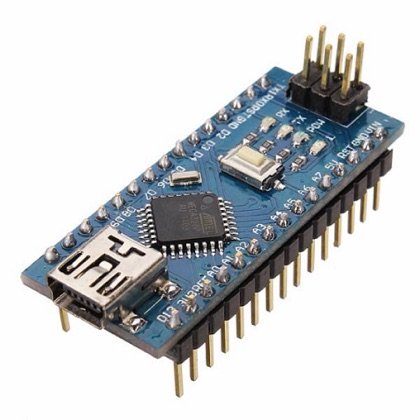 Arduino Nano
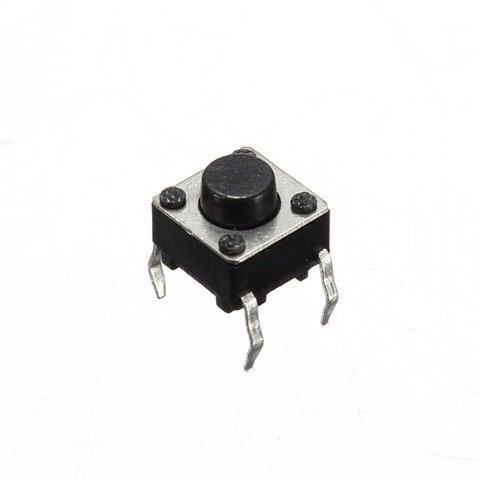 Push Button
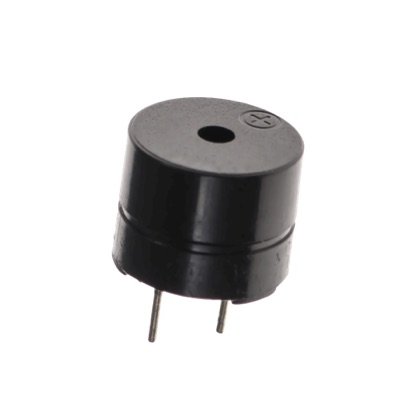 Buzzer
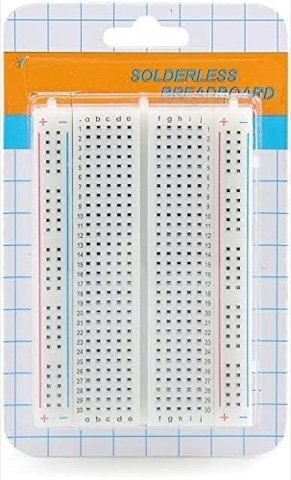 Breadboard
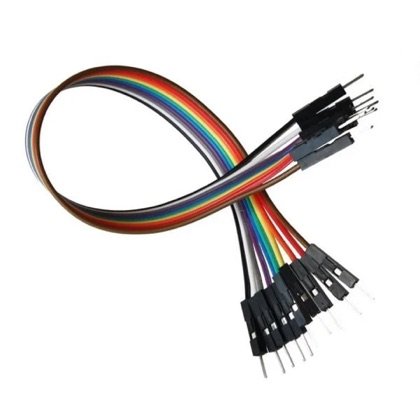 Wires
Wires🔌 Circuit diagram
Pin numbers follow the Kod2Kids books. You can use other pins, just change the same numbers in the code.
🎮 Play with this experiment⚙️ How does it work?
The buzzer has a small part inside that vibrates when electricity flows. Vibrations make sound waves in the air, which our ears hear as a beep. The Nano turns the electricity on when the button is pressed.
🌍 Where is this used in real life?
- Doorbells and call-bells in offices and hospitals.
- Quiz show buzzers that decide who answered first.
- Microwave ovens beep when food is ready.
💡 What could YOU invent with it?
Make a “nurse-call bell” for a home where a grandparent rests. A button near the bed rings a buzzer in the kitchen, so help arrives quickly.
🧪 Try this!
Find out: what happens to the sound if you press the button very fast, many times?
🎯 हम क्या बना रहे हैं?
हम बज़र और बटन जोड़ते हैं। बटन दबाने पर नैनो बज़र को बजने के लिए कहता है और छोड़ने पर वो रुक जाता है।
अरुडिनो नैनोपुश बटनबज़रब्रेडबोर्डतार🔌 सर्किट डायग्राम
पिन नंबर Kod2Kids की किताबों के हिसाब से हैं। आप दूसरे पिन भी लगा सकते हो, बस कोड में वही नंबर बदल दो।
🎮 इस एक्सपेरिमेंट के साथ खेलो⚙️ ये कैसे काम करता है?
बज़र के अंदर एक छोटा पुर्ज़ा होता है जो बिजली बहने पर कंपन करता है। कंपन हवा में ध्वनि तरंगें बनाते हैं जिन्हें हमारे कान बीप की तरह सुनते हैं। बटन दबने पर नैनो बिजली चालू करता है।
🌍 असली ज़िंदगी में ये कहाँ काम आता है?
- घरों, दफ़्तरों और अस्पतालों की डोरबेल और कॉल-बेल।
- क्विज़ शो के बज़र जो तय करते हैं कि पहले किसने जवाब दिया।
- माइक्रोवेव खाना तैयार होने पर बीप करता है।
💡 इससे आप क्या नया बना सकते हो?
जिस घर में दादा-दादी आराम करते हैं वहाँ “नर्स-कॉल बेल” बनाओ। बिस्तर के पास का बटन रसोई का बज़र बजाए, ताकि मदद जल्दी पहुँचे।
🧪 खुद करके देखो!
पता करो: बटन बहुत तेज़ी से कई बार दबाने पर आवाज़ में क्या फर्क पड़ता है?
अरुडिनो नैनो कोडिंग और इलेक्ट्रॉनिक्स किट
Get the kit / किट खरीदें →
