
Slow, medium, fast: make your light blink at any speed you like.
धीमा, मध्यम, तेज़: अपनी बत्ती को अपनी पसंद की रफ़्तार से टिमटिमाओ।
🎯 What are we building?
We change the numbers in the delay lines and see the blinking become slower or faster. A tiny change in the code makes a big change in the result.
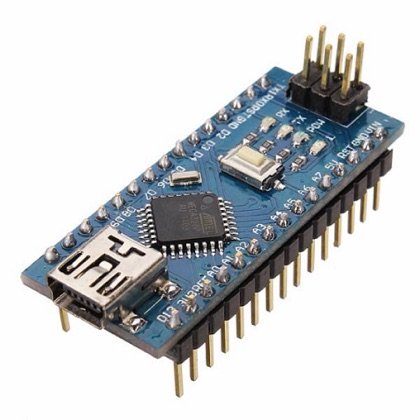 Arduino Nano
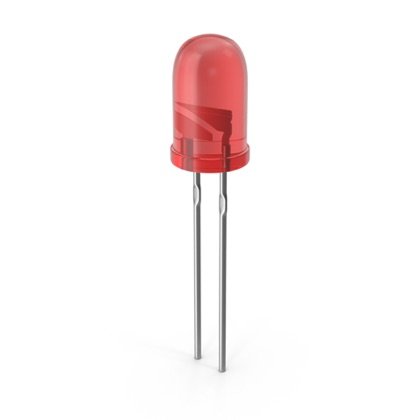 LED
LED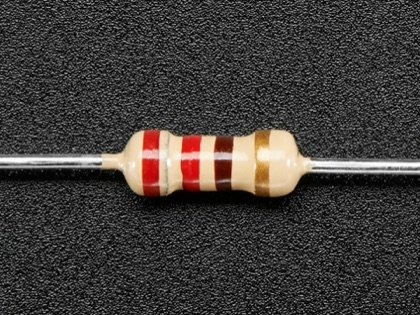 Resistor
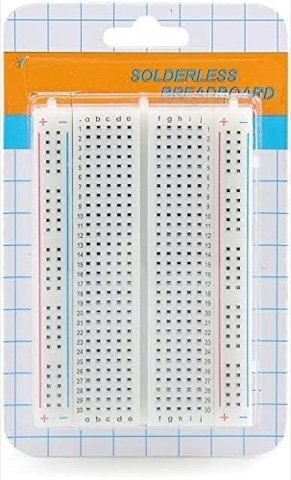 Breadboard
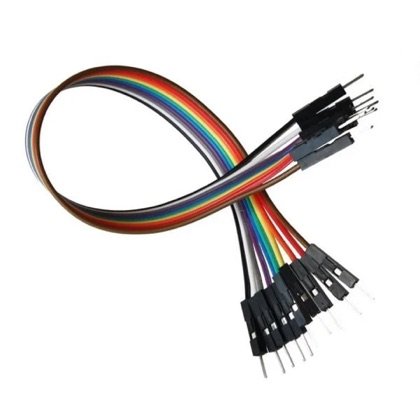 Wires
Wires🔌 Circuit diagram
Pin numbers follow the Kod2Kids books. You can use other pins, just change the same numbers in the code.
🎮 Play with this experiment⚙️ How does it work?
The delay number is in milliseconds, where 1000 milliseconds make 1 second. A small number means a short wait and fast blinking. A big number means a long wait and slow blinking.
🌍 Where is this used in real life?
- A fast blink warns “danger” while a slow blink says “all is calm”.
- A phone’s notification light blinks slowly to say you have a message.
- A heartbeat monitor blinks faster when the heart beats faster.
💡 What could YOU invent with it?
Build a “walking-pace light” for runners that blinks to the beat they want to run at. It could help athletes and kids practice keeping a steady pace.
🧪 Try this!
Make the LED blink 1 time per second, then 2 times, then 5 times. What delay did you need each time?
🎯 हम क्या बना रहे हैं?
हम delay की लाइनों के नंबर बदलकर देखते हैं कि ब्लिंक धीमा या तेज़ कैसे होता है। कोड में ज़रा सा बदलाव नतीजे में बड़ा फर्क ला देता है।
अरुडिनो नैनोएलईडीरेसिस्टरब्रेडबोर्डतार🔌 सर्किट डायग्राम
पिन नंबर Kod2Kids की किताबों के हिसाब से हैं। आप दूसरे पिन भी लगा सकते हो, बस कोड में वही नंबर बदल दो।
🎮 इस एक्सपेरिमेंट के साथ खेलो⚙️ ये कैसे काम करता है?
delay का नंबर मिलीसेकंड में होता है, जहाँ 1000 मिलीसेकंड बराबर 1 सेकंड। छोटा नंबर मतलब कम इंतज़ार और तेज़ ब्लिंक। बड़ा नंबर मतलब ज़्यादा इंतज़ार और धीमा ब्लिंक।
🌍 असली ज़िंदगी में ये कहाँ काम आता है?
- तेज़ ब्लिंक “ख़तरा” बताता है जबकि धीमा ब्लिंक “सब ठीक है” कहता है।
- फोन की नोटिफिकेशन लाइट धीरे-धीरे टिमटिमाकर संदेश आने की सूचना देती है।
- हार्टबीट मॉनिटर में दिल तेज़ धड़कने पर लाइट भी तेज़ टिमटिमाती है।
💡 इससे आप क्या नया बना सकते हो?
दौड़ने वालों के लिए “चाल की रफ़्तार लाइट” बनाओ जो उनकी मनचाही रफ़्तार की ताल पर टिमटिमाए। इससे खिलाड़ी और बच्चे एक सी चाल बनाए रखना सीख सकते हैं।
🧪 खुद करके देखो!
एलईडी को हर सेकंड 1 बार, फिर 2 बार, फिर 5 बार टिमटिमाओ। हर बार कितना delay चाहिए था?
अरुडिनो नैनो कोडिंग और इलेक्ट्रॉनिक्स किट
Get the kit / किट खरीदें →
