
Build a tiny traffic signal and learn what each colour tells us.
छोटा सिग्नल बनाओ और जानो हर रंग हमसे क्या कहता है।
🎯 What are we building?
We place a red, a yellow and a green LED to make a model traffic light. You will light each colour one at a time just like a real signal.
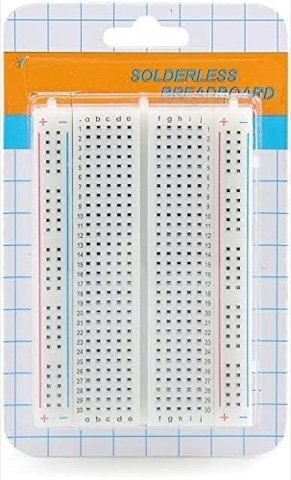 Breadboard
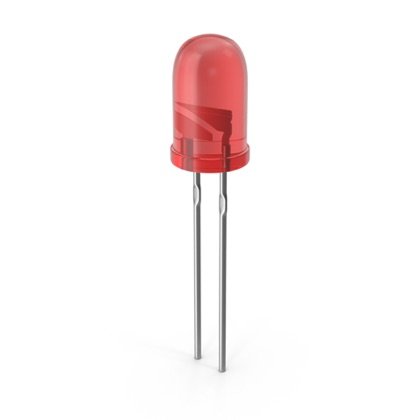 LED
LED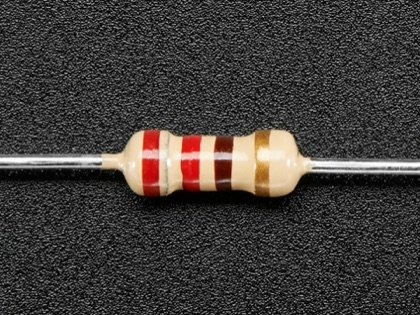 Resistor
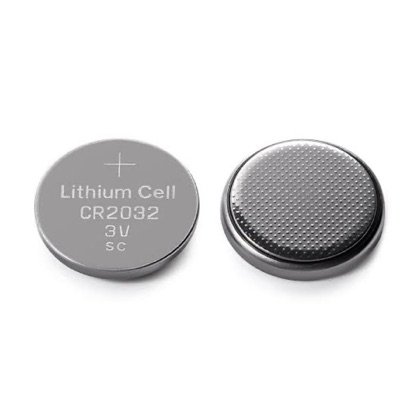 Coin Cell
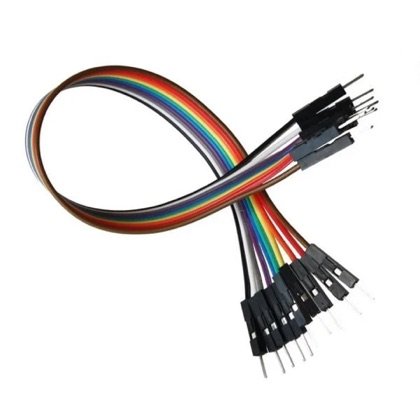 Wires
Wires🔌 Circuit diagram
Wire it just like this on your breadboard. The coin cell pushes, the resistor protects, the LED glows.
📘 Full step-by-step build with photos: Class 3 book, Lab 6 (Mini Traffic Light).
🎮 Play with this experiment⚙️ How does it work?
The three LEDs share one battery but each one has its own resistor. By moving one wire, you choose which colour glows, which is how a basic signal works before a computer is added to change lights automatically.
🌍 Where is this used in real life?
- Road traffic lights keep cars, buses and people safe at crossings.
- Railway signals tell the train driver when to stop or go.
- A school bus stop sign uses lights to warn other drivers.
💡 What could YOU invent with it?
Create a “road-safety toy” for your classroom that teaches younger kids when to cross. It could help build good habits in kids who walk to school and make crossings safer for them.
🧪 Try this!
Why is red at the top and green at the bottom? Ask an elder what each colour means and what the yellow is for.
🎯 हम क्या बना रहे हैं?
हम लाल, पीली और हरी एलईडी लगाकर एक नमूना ट्रैफिक लाइट बनाते हैं। असली सिग्नल की तरह आप एक-एक रंग जलाकर देखोगे।
ब्रेडबोर्डएलईडीरेसिस्टरकॉइन सेलतार🔌 सर्किट डायग्राम
अपने ब्रेडबोर्ड पर बिल्कुल ऐसे जोड़ो। कॉइन सेल धकेलती है, रेसिस्टर बचाता है, एलईडी जलती है।
📘 फोटो के साथ पूरा स्टेप-बाय-स्टेप निर्माण: क्लास 3 की किताब, लैब 6 (मिनी ट्रैफिक लाइट)।
🎮 इस एक्सपेरिमेंट के साथ खेलो⚙️ ये कैसे काम करता है?
तीनों एलईडी एक बैटरी साझा करती हैं पर हर एक का अपना रेसिस्टर है। एक तार खिसकाने से आप चुनते हो कि कौन सा रंग जले। असली सिग्नल में कंप्यूटर ये बदलाव अपने आप करता है, पर शुरुआत यहीं से होती है।
🌍 असली ज़िंदगी में ये कहाँ काम आता है?
- सड़क की ट्रैफिक लाइट चौराहों पर कारों, बसों और लोगों को सुरक्षित रखती हैं।
- रेलवे सिग्नल ट्रेन के ड्राइवर को रुकने या चलने का इशारा देते हैं।
- स्कूल बस के स्टॉप पर लगी बत्तियाँ दूसरे ड्राइवरों को सावधान करती हैं।
💡 इससे आप क्या नया बना सकते हो?
अपनी क्लास के लिए “रोड-सेफ्टी खिलौना” बनाओ जो छोटे बच्चों को सिखाए कि सड़क कब पार करनी है। स्कूल पैदल जाने वाले बच्चों में अच्छी आदतें बनेंगी और चौराहे उनके लिए सुरक्षित होंगे।
🧪 खुद करके देखो!
लाल ऊपर और हरा नीचे क्यों होता है? किसी बड़े से पूछो हर रंग का क्या मतलब है और पीली बत्ती किसलिए है।
इलेक्ट्रॉनिक्स और सोलर स्टार्टर किट
Get the kit / किट खरीदें →
