
Press the button the moment the light turns on. Can you beat your friends?
बत्ती जलते ही बटन दबाओ। क्या दोस्तों को हरा पाओगे?
🎯 What are we building?
We build a game: after a random wait the LED turns on, and you press the button as fast as possible. The board measures your reaction time in milliseconds.
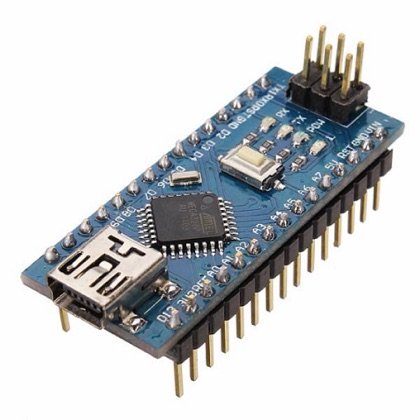 Arduino Nano
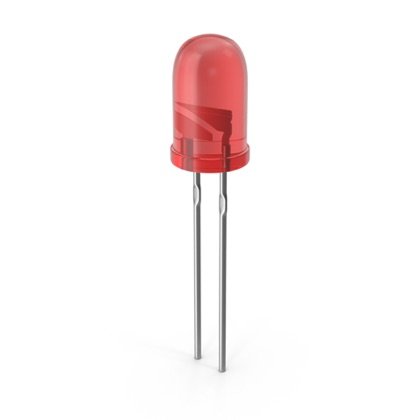 LED
LED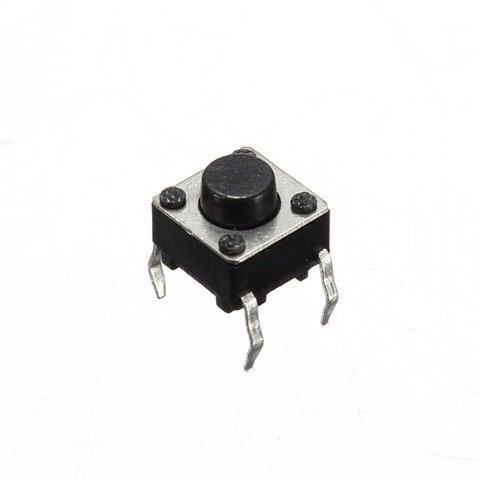 Push Button
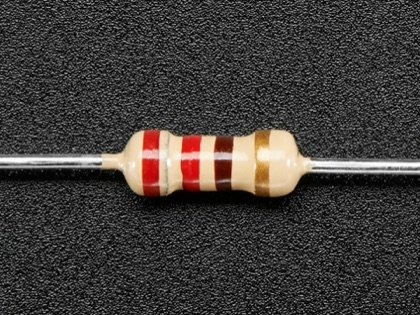 Resistor
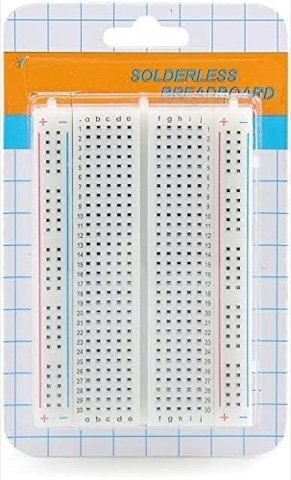 Breadboard
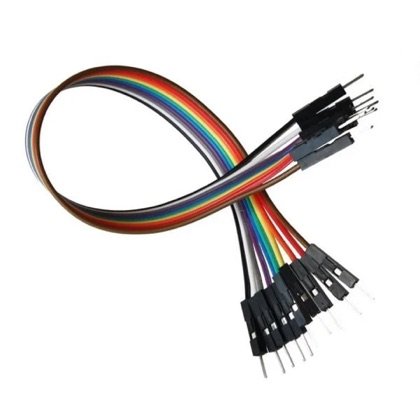 Wires
Wires🔌 Circuit diagram
Pin numbers follow the Kod2Kids books. You can use other pins, just change the same numbers in the code.
🎮 Play with this experiment⚙️ How does it work?
The code notes the clock time when the LED turns on and again when the button is pressed. The difference between the two times is your reaction time. A random wait stops you from guessing.
🌍 Where is this used in real life?
- Sports referees and athletes train their reaction time for races.
- Drivers need good reaction time to brake in time.
- Pilots and gamers practise reaction tests.
💡 What could YOU invent with it?
Create a “reflex trainer” for sports classes. Coaches could use it to help young players improve and find who needs more practice.
🧪 Try this!
Play 5 rounds with 3 friends and write down the best time. Does the winner get faster with practice?
🎯 हम क्या बना रहे हैं?
हम एक गेम बनाते हैं: बेतरतीब इंतज़ार के बाद एलईडी जलती है और आपको जितनी तेज़ हो सके बटन दबाना है। बोर्ड आपका रिएक्शन टाइम मिलीसेकंड में नापता है।
अरुडिनो नैनोएलईडीपुश बटनरेसिस्टरब्रेडबोर्डतार🔌 सर्किट डायग्राम
पिन नंबर Kod2Kids की किताबों के हिसाब से हैं। आप दूसरे पिन भी लगा सकते हो, बस कोड में वही नंबर बदल दो।
🎮 इस एक्सपेरिमेंट के साथ खेलो⚙️ ये कैसे काम करता है?
कोड एलईडी जलने और बटन दबने, दोनों समय घड़ी का समय नोट करता है। दोनों समयों का अंतर आपका रिएक्शन टाइम है। बेतरतीब इंतज़ार से आप अंदाज़ा नहीं लगा पाते।
🌍 असली ज़िंदगी में ये कहाँ काम आता है?
- खेल के रेफ़री और खिलाड़ी रेस के लिए अपना रिएक्शन टाइम सुधारते हैं।
- ड्राइवर को समय पर ब्रेक लगाने के लिए अच्छा रिएक्शन टाइम चाहिए।
- पायलट और गेमर रिएक्शन टेस्ट का अभ्यास करते हैं।
💡 इससे आप क्या नया बना सकते हो?
खेल की कक्षाओं के लिए “रिफ्लेक्स ट्रेनर” बनाओ। कोच इससे छोटे खिलाड़ियों को बेहतर बना सकते हैं और देख सकते हैं कि किसे और अभ्यास चाहिए।
🧪 खुद करके देखो!
3 दोस्तों के साथ 5 राउंड खेलो और सबसे अच्छा समय लिखो। क्या विजेता अभ्यास से और तेज़ होता है?
अरुडिनो नैनो कोडिंग और इलेक्ट्रॉनिक्स किट
Get the kit / किट खरीदें →
