
A smart doorway that lights up and chimes whenever someone walks through.
स्मार्ट दरवाज़ा जो कोई गुज़रे तो बत्ती जलाए और घंटी बजाए।
🎯 What are we building?
We build a visitor detector: when the IR sensor sees a person pass, the LED lights and the buzzer chimes. We can also count how many people came.
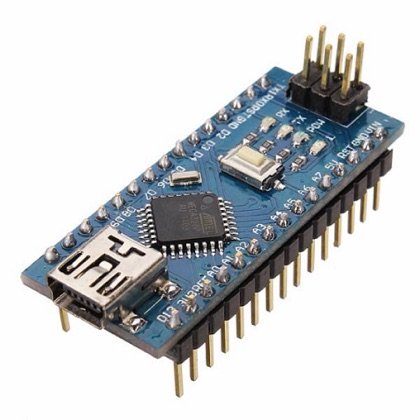 Arduino Nano
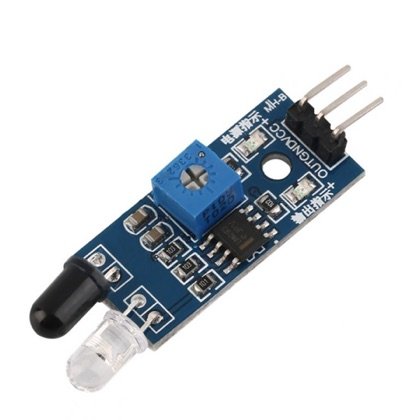 IR Sensor
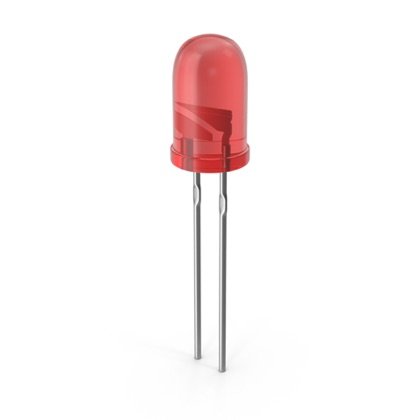 LED
LED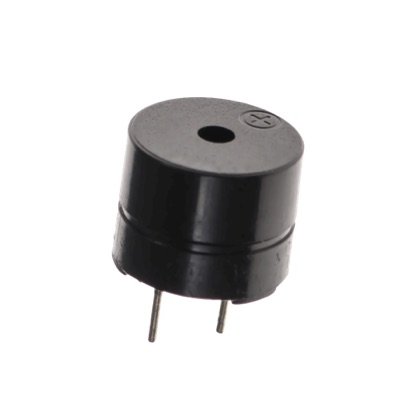 Buzzer
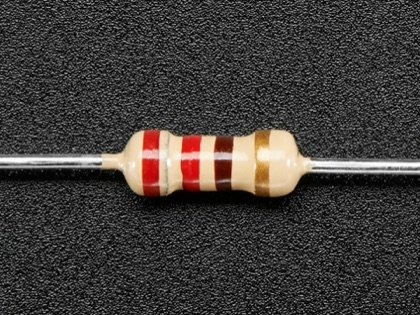 Resistor
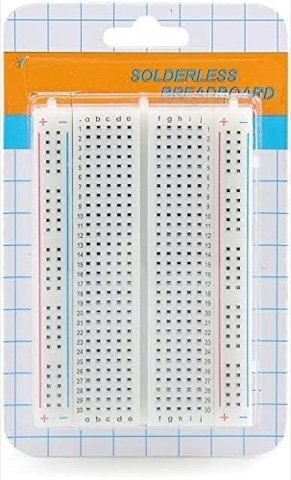 Breadboard
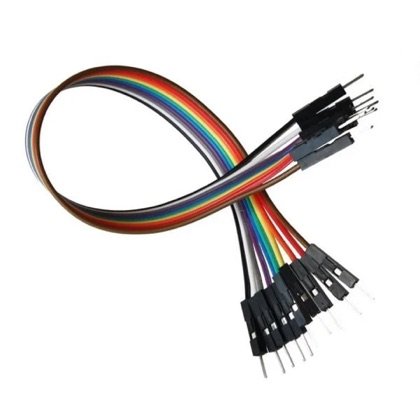 Wires
Wires🔌 Circuit diagram
Pin numbers follow the Kod2Kids books. You can use other pins, just change the same numbers in the code.
🎮 Play with this experiment⚙️ How does it work?
Each time the sensor detects something, the program adds one to a counter, turns on the light and chimes. Counting events is how many real systems measure how busy a place is.
🌍 Where is this used in real life?
- Shops count visitors at the door to plan staff.
- Libraries and museums count how many people visit.
- Buses and metros count passengers getting on.
💡 What could YOU invent with it?
Create a “school library counter” that counts students entering. It could help the librarian see which hours are busiest and plan reading events better.
🧪 Try this!
Count visitors at your classroom door for one hour. How many came? Make a bar chart.
🎯 हम क्या बना रहे हैं?
हम विज़िटर डिटेक्टर बनाते हैं: आईआर सेंसर किसी को गुज़रते देखे तो एलईडी जलती है और बज़र बजता है। हम गिन भी सकते हैं कि कितने लोग आए।
अरुडिनो नैनोआईआर सेंसरएलईडीबज़ररेसिस्टरब्रेडबोर्डतार🔌 सर्किट डायग्राम
पिन नंबर Kod2Kids की किताबों के हिसाब से हैं। आप दूसरे पिन भी लगा सकते हो, बस कोड में वही नंबर बदल दो।
🎮 इस एक्सपेरिमेंट के साथ खेलो⚙️ ये कैसे काम करता है?
हर बार सेंसर कुछ पहचानता है तो प्रोग्राम काउंटर में एक जोड़ता है, बत्ती जलाता है और घंटी बजाता है। घटनाओं को गिनना ही वो तरीका है जिससे कई असली सिस्टम किसी जगह की भीड़ नापते हैं।
🌍 असली ज़िंदगी में ये कहाँ काम आता है?
- दुकानें स्टाफ़ की योजना के लिए दरवाज़े पर आने वालों को गिनती हैं।
- पुस्तकालय और संग्रहालय गिनते हैं कि कितने लोग आए।
- बसें और मेट्रो चढ़ने वाले यात्रियों को गिनती हैं।
💡 इससे आप क्या नया बना सकते हो?
“स्कूल लाइब्रेरी काउंटर” बनाओ जो अंदर आते विद्यार्थियों को गिने। इससे लाइब्रेरियन देख सकेंगे कि कौन से घंटे सबसे व्यस्त हैं और पढ़ाई के कार्यक्रम बेहतर बना सकेंगे।
🧪 खुद करके देखो!
एक घंटे तक अपनी क्लास के दरवाज़े पर आने वालों को गिनो। कितने आए? बार चार्ट बनाओ।
अरुडिनो नैनो कोडिंग और इलेक्ट्रॉनिक्स किट
Get the kit / किट खरीदें →
