
Three lights, one after another, in a sequence you design.
तीन बत्तियाँ, एक के बाद एक, आपके बनाए क्रम में।
🎯 What are we building?
We control three LEDs one by one in a set order. This is called a sequence: steps that happen in an order we choose.
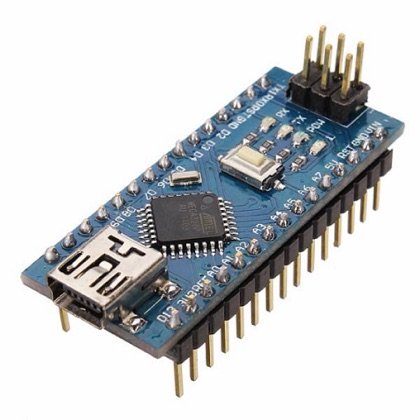 Arduino Nano
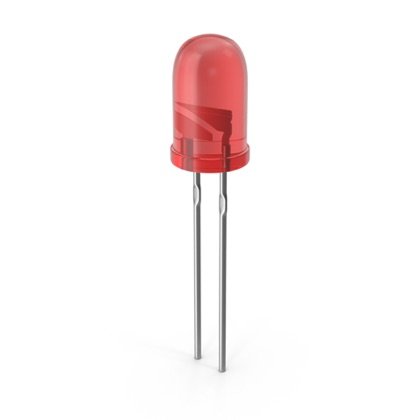 LED
LED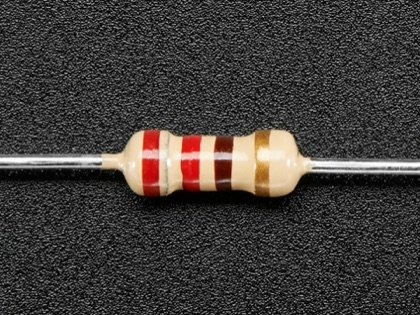 Resistor
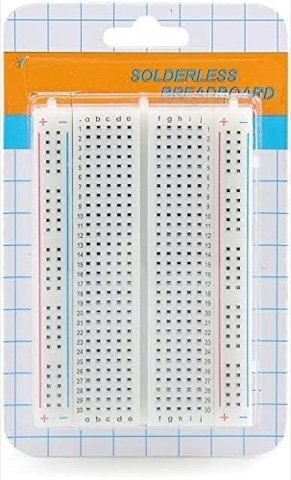 Breadboard
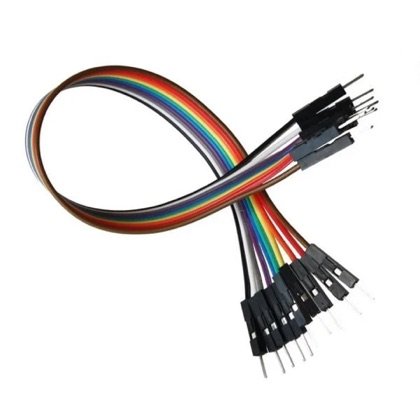 Wires
Wires🔌 Circuit diagram
Pin numbers follow the Kod2Kids books. You can use other pins, just change the same numbers in the code.
📘 Related lab: Class 5 book, Lab 4 (Arduino Traffic Light).
🎮 Play with this experiment⚙️ How does it work?
The program lists the actions in order: LED 1 on, wait, off; LED 2 on, wait, off; LED 3 on, wait, off. Then it starts again. Change the order and the show changes.
🌍 Where is this used in real life?
- A traffic signal changes lights in a fixed sequence.
- Arrow signs show a moving direction by lighting lamps in order.
- A lift shows floor numbers lighting one after another.
💡 What could YOU invent with it?
Create a “direction arrow for the blind-curve” on a village road: lights that run in sequence to show vehicles which way to go. It could prevent accidents at sharp turns.
🧪 Try this!
Can you change the sequence to go backwards? Or make it go 1, 2, 3, 2, 1?
🎯 हम क्या बना रहे हैं?
हम तीन एलईडी को एक-एक करके तय क्रम में चलाते हैं। इसे सीक्वेंस कहते हैं: ऐसे कदम जो हमारे चुने क्रम में होते हैं।
अरुडिनो नैनोएलईडीरेसिस्टरब्रेडबोर्डतार🔌 सर्किट डायग्राम
पिन नंबर Kod2Kids की किताबों के हिसाब से हैं। आप दूसरे पिन भी लगा सकते हो, बस कोड में वही नंबर बदल दो।
📘 संबंधित लैब: क्लास 5 की किताब, लैब 4 (अरुडिनो ट्रैफिक लाइट)।
🎮 इस एक्सपेरिमेंट के साथ खेलो⚙️ ये कैसे काम करता है?
प्रोग्राम में कामों का क्रम लिखा है: एलईडी 1 जले, रुके, बुझे; एलईडी 2 जले, रुके, बुझे; एलईडी 3 जले, रुके, बुझे। फिर दोबारा शुरू। क्रम बदलो तो शो बदल जाता है।
🌍 असली ज़िंदगी में ये कहाँ काम आता है?
- ट्रैफिक सिग्नल तय क्रम में बत्तियाँ बदलता है।
- तीर वाले साइन बत्तियों को क्रम से जलाकर चलती हुई दिशा दिखाते हैं।
- लिफ्ट मंज़िल के नंबर एक के बाद एक जलाकर दिखाती है।
💡 इससे आप क्या नया बना सकते हो?
गाँव की सड़क के तीखे मोड़ के लिए “दिशा तीर” बनाओ: क्रम से जलती बत्तियाँ जो गाड़ियों को रास्ता दिखाएँ। इससे तीखे मोड़ पर हादसे रुक सकते हैं।
🧪 खुद करके देखो!
क्या सीक्वेंस उल्टा चला सकते हो? या 1, 2, 3, 2, 1 के क्रम में?
अरुडिनो नैनो कोडिंग और इलेक्ट्रॉनिक्स किट
Get the kit / किट खरीदें →
